
ai · productivity
aier.im: requirements, how to submit, and what you actually get
No account and no captcha, but the longest free form here: it wants the job title of the person your tool is for.
aier.im
Eligibility
Who aier.im accepts
You need
A live tool URL
A square logo
A contact email
You'll be rejected if
Anything that is not an AI tool
AI toolsProductivity tools
What you actually get
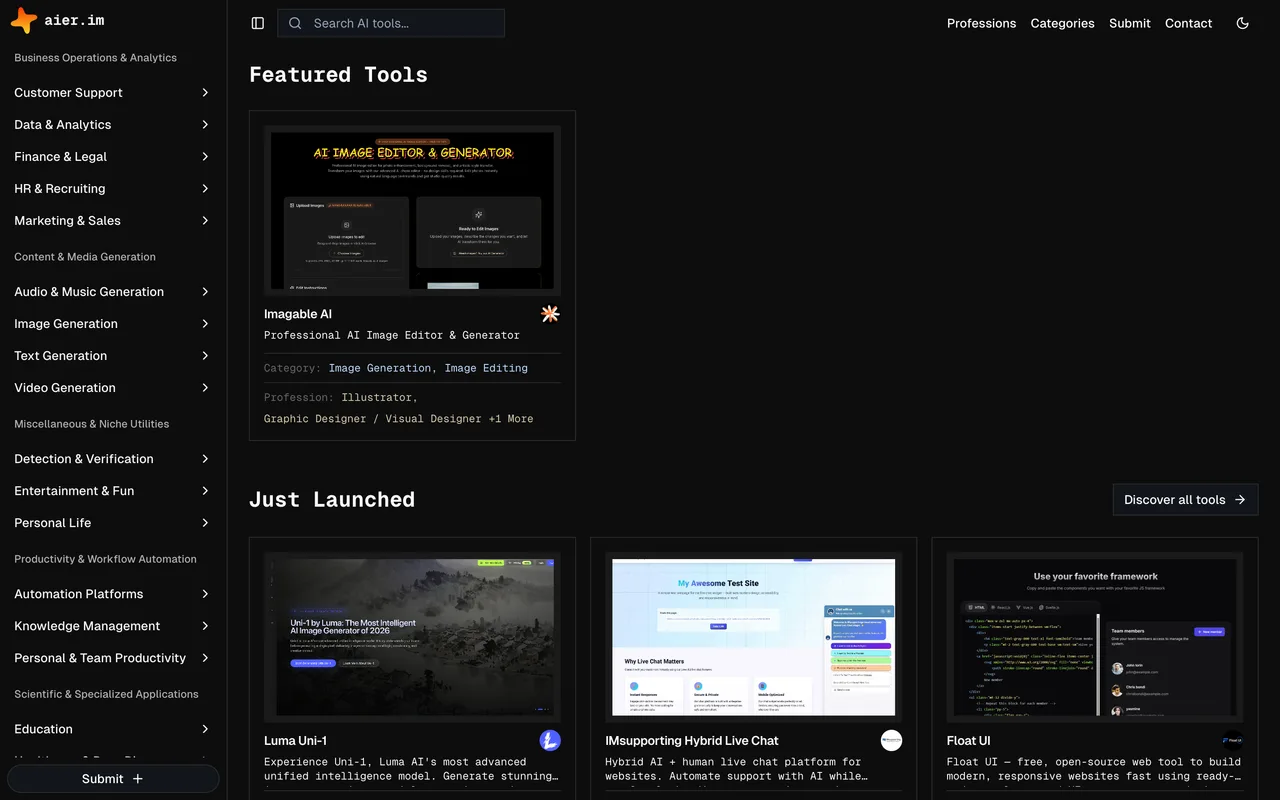
A listing organised by profession as well as by category, so a tool filed under the right job title turns up for people searching by what they do rather than what the tool is. They say they get back within two to three business days.
How to submit to aier.im
- BasicsTool name, website URL, a short description and a square logo upload of up to 2MB.
- Pricing and taxonomyA pricing type, a pricing details line, a category from a two-level list and a target profession from a list of a few hundred job titles.
- The long descriptionA what-is field with room for several paragraphs, plus optional key features, use cases and FAQ pairs.
- Your detailsName, email and optional X and LinkedIn profiles, then Submit AI Tool for Review.
aier.im requirements
Square logo, 2MB max, 200x200 or larger
A short description and a longer what-is description
A category and a target profession
Your name and email
Gotchas
The profession field is a list of a few hundred job titles rather than a market, so picking the wrong one files the tool where nobody in your audience is looking.
Let your agent submit to aier.im
Connect SubmitMap to your AI over MCP and this page stops being something you read and copy. Your agent asks for the aier.im playbook and gets the brief for this exact form, with the values already taken from your submission pack instead of placeholders you fill in by hand.
What it does for this platform
Checks your product against the 4 aier.im rules above, so you find out you would be rejected before you open a tab.
Hands your agent all 4 fields this form asks for, none of them optional, already filled from your pack.
Types it into aier.im in your own browser, and stops for you when the form wants a sign-in.
Records what it sent, so the dashboard can answer "did I ever submit to aier.im?".
Connect your agentHow this worksTools and endpointsWorks with Claude Code, Claude, Codex, Cursor, VS Code and Hermes.
aier.im FAQ
How long does aier.im approval take?
aier.im's typical time from submission to going live is 1-2 days.
How much does it cost to submit to aier.im?
Submitting to aier.im is free.
Does aier.im give a dofollow backlink?
No, links from aier.im are nofollow. The site has a domain rating of 14.
Does aier.im require a backlink to your site?
No, aier.im does not require a link back from your site.
What gets you rejected from aier.im?
Anything that is not an AI tool.