
mobile · saas · indie
AppRater: requirements, how to submit, and what you actually get
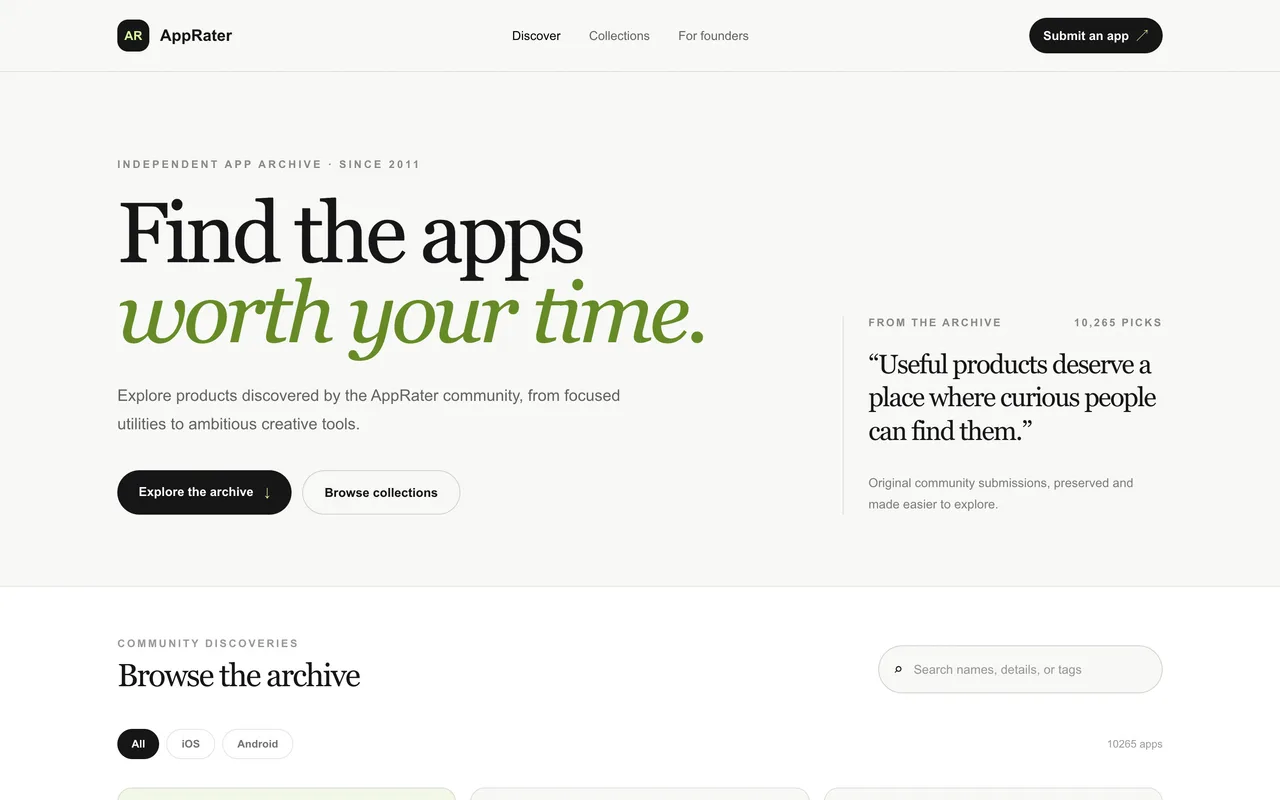
An app archive 10,265 entries deep and running since 2011, where every Visit button now goes through the site's own redirect.
apprater.net
Eligibility
Who AppRater accepts
You need
A live app or store URL
A description of what makes it useful, up to 2,000 characters
One of their four platforms: iOS, Android, Web or Other
A name and an email for the submitter
You'll be rejected if
Nothing anyone can open. The form wants an app or store URL and one platform, and the archive is products rather than posts
Mobile appsWeb appsSaaS toolsIndie products
What you actually get
A dated entry in an archive of 10,265 picks, carrying your description, your tags and one image, alongside listings going back to 2011. The Visit button points at apprater.net/visit/<slug> rather than at you, on new listings and on 2012 ones alike, so nothing on the page passes SEO value and the whole return is whoever browses the archive.
How to submit to AppRater
- Open the formapprater.net/add redirects to the #submit section of the homepage. The form is part of the index page, not a page of its own. There is no account and no login anywhere on the site.
- Fill eight fieldsApp name, a platform select of iOS, Android, Web or Other, an app or store URL, what makes it useful, tags, an image URL, your name and your email. Six of the eight are required.
- Submit for reviewOne button, no captcha and no newsletter box. Their line above it: every submission is reviewed before it appears in the archive. No turnaround is published anywhere on the site.
AppRater requirements
App name, up to 120 characters
Platform: iOS, Android, Web or Other
App or store URL
A description of up to 2,000 characters, with no counter
Your name, up to 80 characters
Your email
Tags, comma separated, up to 240 charactersoptional
An image URL, which is a link rather than an uploadoptional
Gotchas
There is no account and no status page, so once the form clears there is nothing to check and nobody to chase. Their terms are blunt about it: submission does not guarantee review, publication, placement, traffic, ratings or continued availability.
The promotion sold on each listing is a recurring PayPal subscription, not a one-off. It is $35 every three months, it renews until you cancel it through PayPal, and it starts only once a listing has been approved.
One pass at the form is all you get. With no login there is no way to edit a listing afterwards, so a typo in the description or a dead image URL has to go through their contact page.
Let your agent submit to AppRater
Connect SubmitMap to your AI over MCP and this page stops being something you read and copy. Your agent asks for the AppRater playbook and gets the brief for this exact form, with the values already taken from your submission pack instead of placeholders you fill in by hand.
What it does for this platform
Checks your product against the 5 AppRater rules above, so you find out you would be rejected before you open a tab.
Hands your agent all 8 fields this form asks for, 2 of them optional, already filled from your pack.
Types it into AppRater in your own browser, and stops for you when the form wants a sign-in.
Records what it sent, so the dashboard can answer "did I ever submit to AppRater?".
Connect your agentHow this worksTools and endpointsWorks with Claude Code, Claude, Codex, Cursor, VS Code and Hermes.
AppRater FAQ
How long does AppRater approval take?
AppRater does not publish how long approval takes.
How much does it cost to submit to AppRater?
Submitting to AppRater is free.
Does AppRater give a dofollow backlink?
No, links from AppRater are nofollow. The site has a domain rating of 17.
Does AppRater require a backlink to your site?
No, AppRater does not require a link back from your site.
What gets you rejected from AppRater?
Nothing anyone can open. The form wants an app or store URL and one platform, and the archive is products rather than posts.