
directory · ai · saas
ChatableApps: requirements, how to submit, and what you actually get
Free listing, and the dofollow is the thing being sold
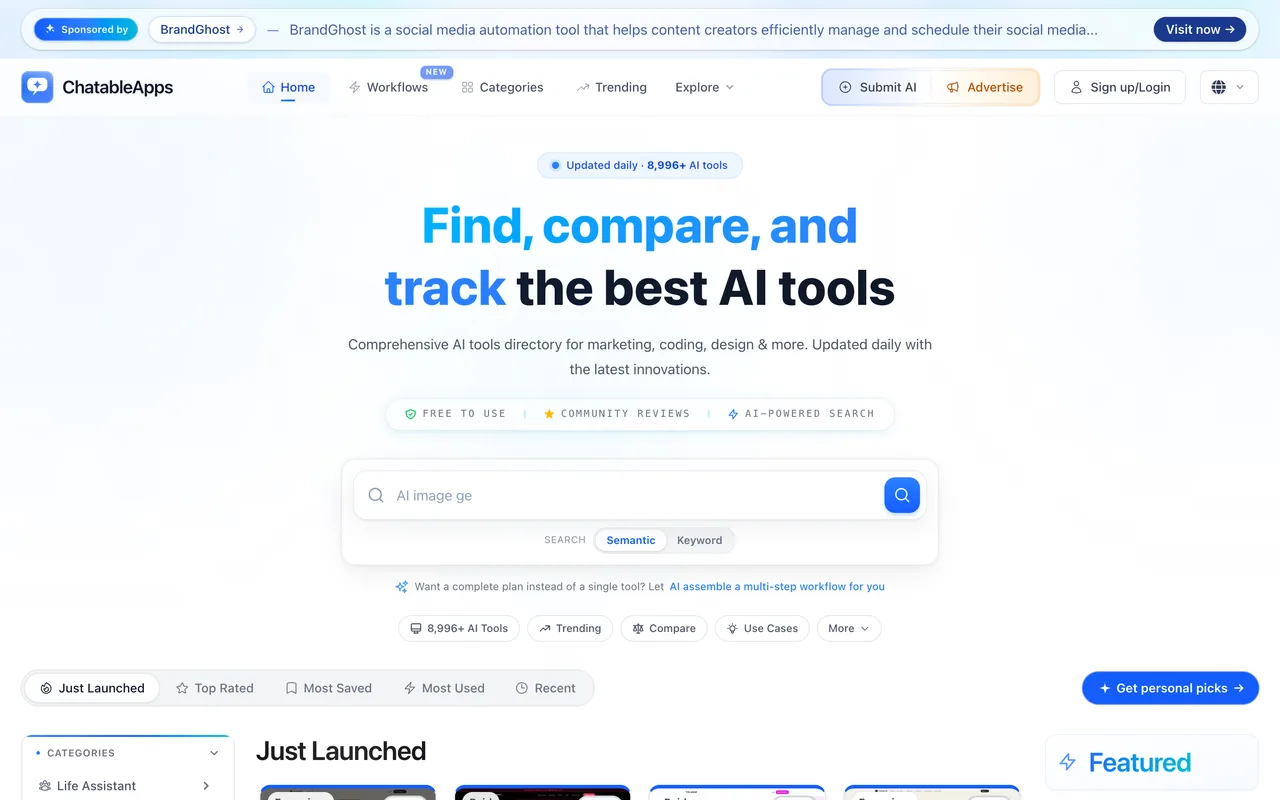
chatableapps.com
Eligibility
Who ChatableApps accepts
You need
A live public URL
An account
A square or vector logo
A landscape screenshot
You'll be rejected if
Nothing published about who is refused.
AI toolsSaaS productsBrowser extensionsMobile apps
What you actually get
A listing in a directory that claims just under 9,000 AI tools, with a logo, a screenshot, three benefit chips, three feature chips, three use-case chips and a three-step how-it-works panel. A pinned launch post in your own voice sits on the listing's discussion thread if you write one. On the free tier the outbound link is nofollow, which the platform states plainly on the plan card, so what the free listing buys is placement and discussion rather than link equity.
How to submit to ChatableApps
- Sign inThe submit link goes to a login offering a magic link or Google. Google creates the account in one click with no separate registration form.
- Read the approval notice and startThe first step is a notice: English only, everything reviewed before going live, and a line saying listings are free with paid plans that speed up review.
- Basics and mediaName, short description, detailed description, URL, platform, screenshot, logo, three sets of chips for advantages, core features and use cases, then your product's own pricing model.
- Details and extrasSupported languages, data training policy, compliance, integrations and promo codes, all optional, plus three how-it-works steps that are not.
- Write a launch postAn optional pinned maker story on the listing's discussion thread, 80 to 5,000 characters, with an option to schedule it.
- Choose the plan and createThree cards, with the paid Standard one already selected. Pick Free, then Create.
ChatableApps requirements
Name
cannot be changed later
Short description
Detailed description
50 to 1,024 characters
URL
https, cannot be changed later
Main screenshot
1280x720 or wider
Logo
SVG, PNG, PDF or WebP
Advantages
3 to 5 chips
Core features
Use cases
How it works
3 steps, explanations under 200 characters
Payment structureoptional
required once you pick freemium or paid
Launch postoptional
80 to 5,000 characters
Demo videooptional
under 50MB, 30 to 90s, 720p, 16:9
Gotchas
The free listing's link is nofollow and the plan card says so in as many words. The permanent dofollow is the headline feature of the $29 and $99 tiers, so doing everything right on the free path still gets you no link equity.
The paid Standard plan arrives already selected on the final step, with the free card sitting unhighlighted beside it. A maker who fills six steps and clicks straight through buys a listing they meant to get free.
Free submissions are rate limited to one processed per day across the whole site, which is where the month-long wait comes from.
The name and the URL are frozen at submission. Everything else can be edited later, so get those two right the first time.
Let your agent submit to ChatableApps
Connect SubmitMap to your AI over MCP and this page stops being something you read and copy. Your agent asks for the ChatableApps playbook and gets the brief for this exact form, with the values already taken from your submission pack instead of placeholders you fill in by hand.
What it does for this platform
Checks your product against the 5 ChatableApps rules above, so you find out you would be rejected before you open a tab.
Hands your agent all 13 fields this form asks for, 3 of them optional, already filled from your pack.
Tells you what paying buys here, so you pick it on purpose: the listing itself is free and queued. Standard at $29 promises live in 7 days plus $20 of ad clicks, Premium at $99 promises live in 48 hours, priority updates and $120 of ad clicks, and both add the permanent dofollow the free tier withholds. A launch banner was running 15% off both with a 24 hour countdown. Advertising is sold separately as pay per click, at $0.20 a click with volume bundles at half that.
Types it into ChatableApps in your own browser, and stops for you when the form wants a sign-in.
Records what it sent, so the dashboard can answer "did I ever submit to ChatableApps?".
Connect your agentHow this worksTools and endpointsWorks with Claude Code, Claude, Codex, Cursor, VS Code and Hermes.
ChatableApps FAQ
How long does ChatableApps approval take?
ChatableApps's typical time from submission to going live is 2-4 weeks.
How much does it cost to submit to ChatableApps?
ChatableApps has a free submission option plus paid placement (The listing itself is free and queued. Standard at $29 promises live in 7 days plus $20 of ad clicks, Premium at $99 promises live in 48 hours, priority updates and $120 of ad clicks, and both add the permanent dofollow the free tier withholds. A launch banner was running 15% off both with a 24 hour countdown. Advertising is sold separately as pay per click, at $0.20 a click with volume bundles at half that.).
Does ChatableApps give a dofollow backlink?
No, links from ChatableApps are nofollow. The site has a domain rating of 23.
Does ChatableApps require a backlink to your site?
No, ChatableApps does not require a link back from your site.
What gets you rejected from ChatableApps?
Nothing published about who is refused.