
ai · saas · indie
Foundr: requirements, how to submit, and what you actually get
A three-field AI tools listing where the free tier is the one that hands you a nofollow.
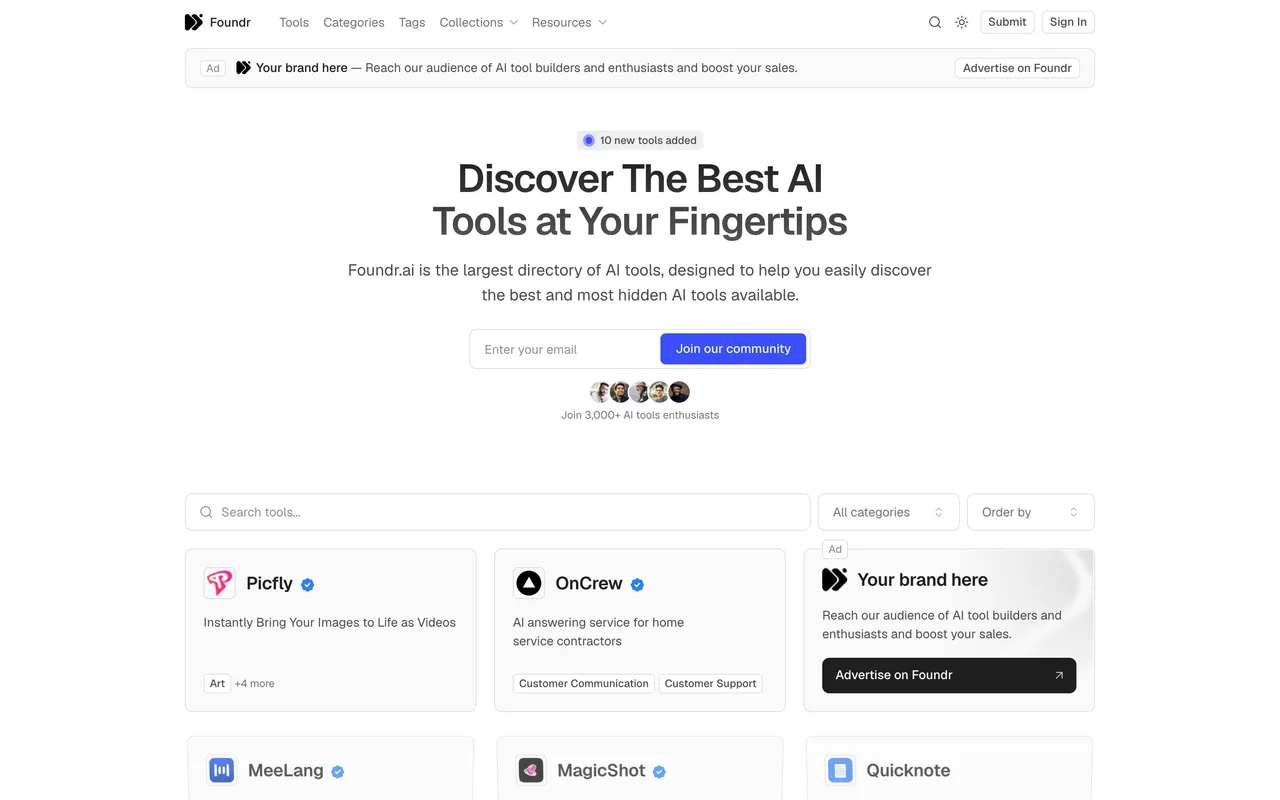
foundr.ai
Eligibility
Who Foundr accepts
You need
An account, by Google or an emailed magic link
A product name and a live URL
A note of 256 characters or fewer
You'll be rejected if
Anything that is not an AI tool, since their own copy limits the list to tools useful to AI tool creators
Anyone who needs the link followed without paying, because the free tier is nofollow by design
AI toolsSaaS productsIndie products
What you actually get
A listing on a site claiming 150,000 monthly pageviews and 7,000 tools, reached after a wait of a few weeks. The link on the free tier is not followed: the do-follow is the first thing the $10 tier sells, and their own comparison table says so in as many words.
How to submit to Foundr
- Sign inGoogle, or an emailed magic link. The submit form redirects to sign-in first.
- Add a free listingName, website URL, an optional note and a newsletter checkbox that arrives already ticked.
- The upgrade pageSubmitting lands on a pricing page for your own listing, with the free tier marked as your current one. Nothing more is required.
Foundr requirements
An account on the site
Product name
the listing title
Website URL
Noteoptional
256 characters
Gotchas
The free tier is where the nofollow lives: their own table lists the do-follow as the first thing the $10 tier adds, so a free listing sends no link value at all.
The note field caps at 256 characters, and the first press of Submit does nothing at all rather than saying so. The message only appears the second time.
The newsletter checkbox is ticked when the page loads, so a submission signs you up unless you untick it.
Let your agent submit to Foundr
Connect SubmitMap to your AI over MCP and this page stops being something you read and copy. Your agent asks for the Foundr playbook and gets the brief for this exact form, with the values already taken from your submission pack instead of placeholders you fill in by hand.
What it does for this platform
Checks your product against the 5 Foundr rules above, so you find out you would be rejected before you open a tab.
Hands your agent all 4 fields this form asks for, 1 of them optional, already filled from your pack.
Tells you what paying buys here, so you pick it on purpose: free is a listing with a few weeks of processing and no do-follow. Standard at $10 buys the do-follow plus publication within 24 hours and unlimited content updates. Premium at $39 a month adds a homepage spot, prominent placement and 12 hour processing.
Types it into Foundr in your own browser, and stops for you when the form wants a sign-in.
Records what it sent, so the dashboard can answer "did I ever submit to Foundr?".
Connect your agentHow this worksTools and endpointsWorks with Claude Code, Claude, Codex, Cursor, VS Code and Hermes.
Foundr FAQ
How long does Foundr approval take?
Foundr's typical time from submission to going live is 2-4 weeks.
How much does it cost to submit to Foundr?
Foundr has a free submission option plus paid placement (Free is a listing with a few weeks of processing and no do-follow. Standard at $10 buys the do-follow plus publication within 24 hours and unlimited content updates. Premium at $39 a month adds a homepage spot, prominent placement and 12 hour processing.).
Does Foundr give a dofollow backlink?
No, links from Foundr are nofollow. The site has a domain rating of 37.
Does Foundr require a backlink to your site?
No, Foundr does not require a link back from your site.
What gets you rejected from Foundr?
Anything that is not an AI tool, since their own copy limits the list to tools useful to AI tool creators; Anyone who needs the link followed without paying, because the free tier is nofollow by design.