
saas · ai · dev · indie
Power Up Tools: requirements, how to submit, and what you actually get
Productivity and output tools, and the badge is still the door.
poweruptools.com
Eligibility
Who Power Up Tools accepts
You need
An account, by Google and nothing else
Their badge on your site, verified before the form opens
A screenshot, a square icon and up to four categories
You'll be rejected if
Anyone who will not carry the badge, since there is no paid lane to buy your way past it
SaaS productsAI toolsDeveloper toolsIndie products
What you actually get
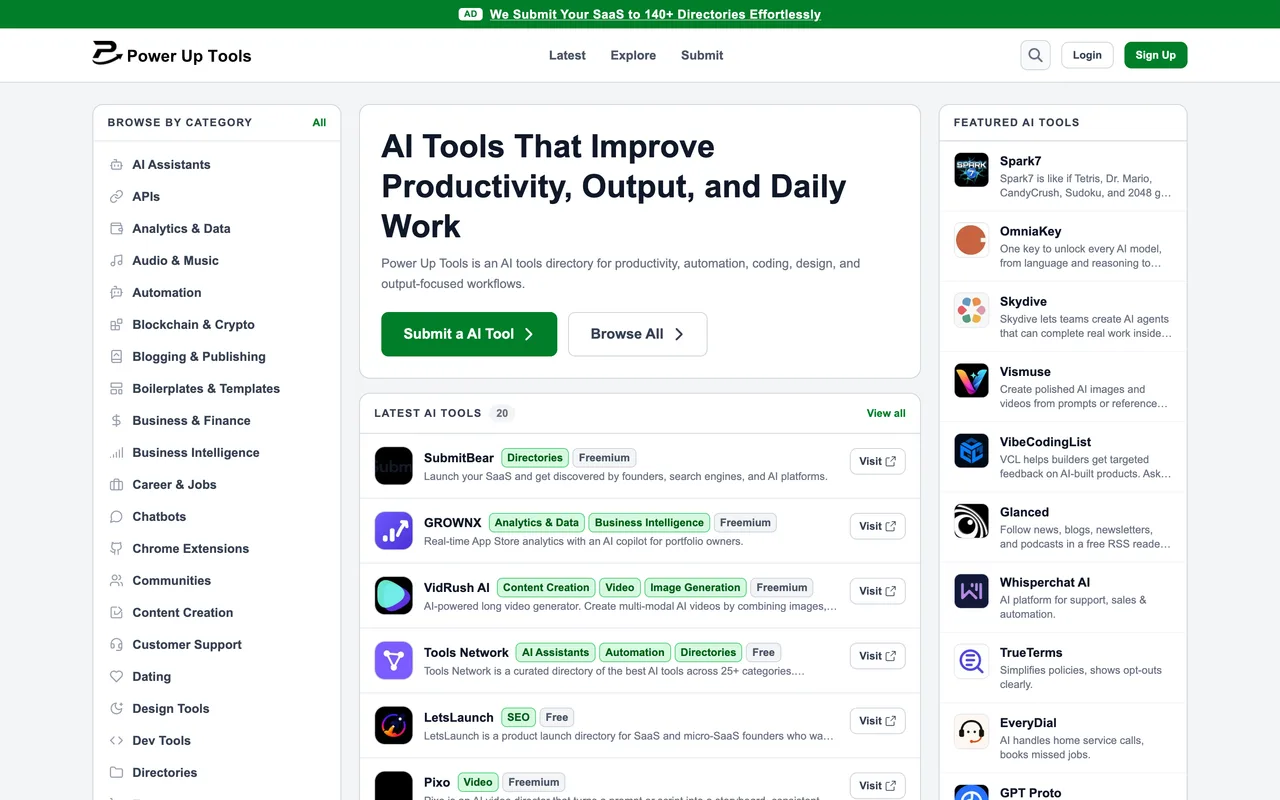
A page at /ai/<slug> with your screenshot, icon and four categories, filed under productivity rather than launch.
How to submit to Power Up Tools
- Sign inLog in with Google is the only option; /api/auth/google?redirect=/submit goes straight there.
- Enter the URLStep 1 takes your homepage and nothing else, then generates a badge pointing at the listing URL you have not created yet.
- Put the badge up and verifyStep 2 will not pass until their checker finds that exact anchor. The listing fields do not exist until it does.
- Fill and submitStep 3 wants a name, a screenshot, an icon, up to four categories, a pricing model, 150 characters of summary and 1,500 of description.
Power Up Tools requirements
An account on the site
Their badge
200x54 PNG, light or dark
Screenshot
PNG or JPG up to 10MB
Icon
square, up to 5MB
Short description
max 150 characters
About your product
max 1,500 characters
Categories
up to four
Gotchas
The badge is not the last step, it is the second: the listing fields do not render at all until their checker has found the anchor, so there is nothing to preview and nothing to save first.
The badge they generate points at a listing URL that does not exist yet, so it answers 404 while you are waiting to be reviewed.
They publish no review window anywhere, and the only receipt is a success page.
The site carries a house ad for the operator's own bulk submission service on every page, which is what the directory is really selling.
Let your agent submit to Power Up Tools
Connect SubmitMap to your AI over MCP and this page stops being something you read and copy. Your agent asks for the Power Up Tools playbook and gets the brief for this exact form, with the values already taken from your submission pack instead of placeholders you fill in by hand.
What it does for this platform
Checks your product against the 4 Power Up Tools rules above, so you find out you would be rejected before you open a tab.
Hands your agent all 7 fields this form asks for, none of them optional, already filled from your pack.
Warns you that Power Up Tools looks for its badge on your site, so it has to be live before you submit rather than after.
Types it into Power Up Tools in your own browser, and stops for you when the form wants a sign-in.
Records what it sent, so the dashboard can answer "did I ever submit to Power Up Tools?".
Connect your agentHow this worksTools and endpointsWorks with Claude Code, Claude, Codex, Cursor, VS Code and Hermes.
Power Up Tools FAQ
How long does Power Up Tools approval take?
Power Up Tools does not publish how long approval takes.
How much does it cost to submit to Power Up Tools?
Submitting to Power Up Tools is free.
Does Power Up Tools give a dofollow backlink?
Yes, a listing on Power Up Tools carries a dofollow link. The site has a domain rating of 47.
Does Power Up Tools require a backlink to your site?
Yes, Power Up Tools expects a link back from your site as part of listing.
What gets you rejected from Power Up Tools?
Anyone who will not carry the badge, since there is no paid lane to buy your way past it.