
saas · b2b · directory
SaaS Browser: requirements, how to submit, and what you actually get
A 550,000-product SaaS database where submitting is one URL, a Turnstile and a day's wait.
saasbrowser.com
Eligibility
Who SaaS Browser accepts
You need
A SaaS website URL
You'll be rejected if
Anything that is not SaaS: a one-field form on a SaaS database has nowhere to put a book, an app store listing or a service
SaaS products
What you actually get
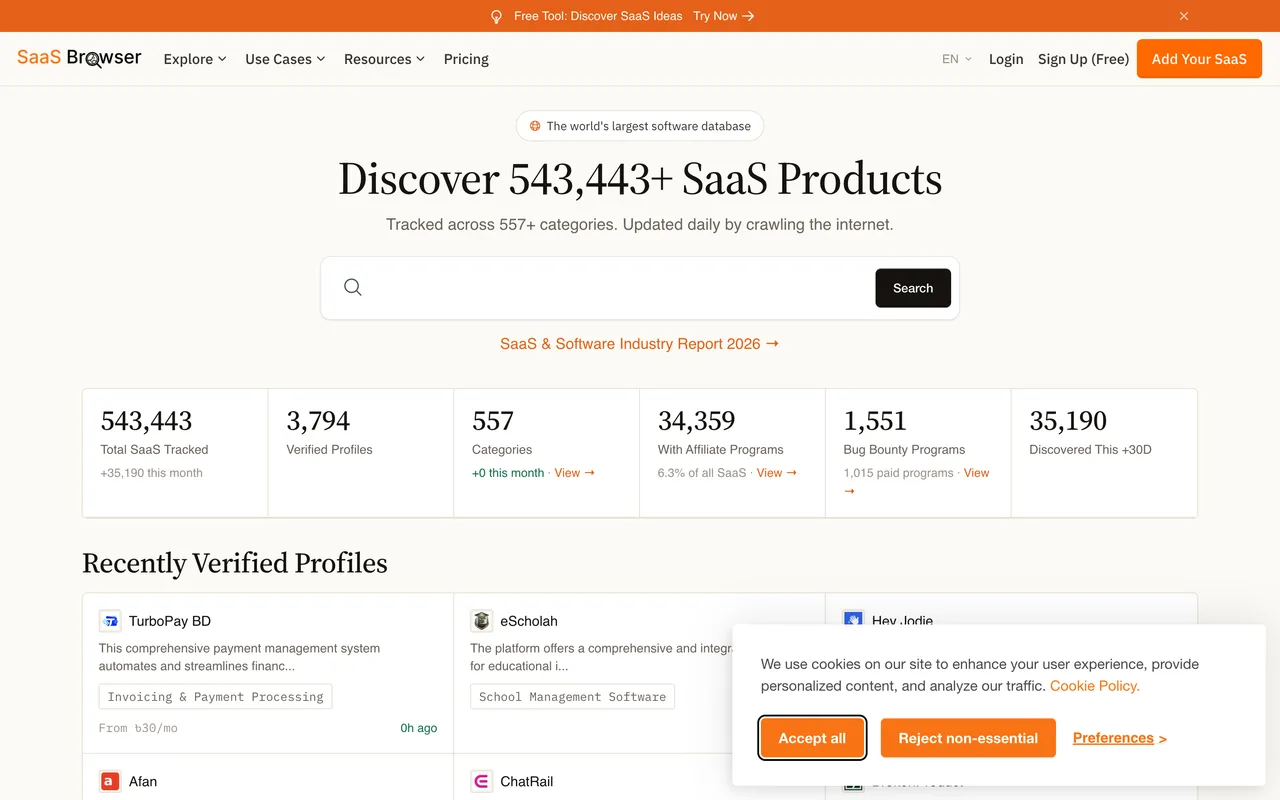
A profile page in a database of 550,000 crawled SaaS products: a category, a description written from your site, traffic and domain-rank estimates, and a Visit link that goes through their own redirect and carried nofollow on the live profile we read. The audience is people buying lead data, which is what the site is for; being in the index is the whole return, and a verified profile is a claim on top of it.
How to submit to SaaS Browser
- Paste the URLOne field, a newsletter tick box and a Cloudflare Turnstile that has to clear first.
- Submit Your SaaSThe page answers 'is submitted' and moves straight to an upsell for their analytics product with your email prefilled; Skip for now is the way past it.
- Wait a dayThey say listed within 24 hours. The profile is written by their crawler from your site.
- Claim itGet Verified and Update Profile on the listing is where you correct what the crawler wrote.
SaaS Browser requirements
Website URL
Gotchas
The form is one URL field and nothing else: the profile is written by their crawler from your site, so what your homepage says is what the listing says until you claim it.
A Cloudflare Turnstile sits on the form and Submit does nothing until it passes; it cleared on its own in a signed-in session.
The success page is an upsell for their analytics product with your email prefilled; Skip for now is the way past it.
Let your agent submit to SaaS Browser
Connect SubmitMap to your AI over MCP and this page stops being something you read and copy. Your agent asks for the SaaS Browser playbook and gets the brief for this exact form, with the values already taken from your submission pack instead of placeholders you fill in by hand.
What it does for this platform
Checks your product against the 2 SaaS Browser rules above, so you find out you would be rejected before you open a tab.
Hands your agent all 1 fields this form asks for, none of them optional, already filled from your pack.
Types it into SaaS Browser in your own browser, and stops for you when the form wants a sign-in.
Records what it sent, so the dashboard can answer "did I ever submit to SaaS Browser?".
Connect your agentHow this worksTools and endpointsWorks with Claude Code, Claude, Codex, Cursor, VS Code and Hermes.
SaaS Browser FAQ
How long does SaaS Browser approval take?
SaaS Browser's typical time from submission to going live is same day.
How much does it cost to submit to SaaS Browser?
Submitting to SaaS Browser is free.
Does SaaS Browser give a dofollow backlink?
No, links from SaaS Browser are nofollow. The site has a domain rating of 74.
Does SaaS Browser require a backlink to your site?
No, SaaS Browser does not require a link back from your site.
What gets you rejected from SaaS Browser?
Anything that is not SaaS: a one-field form on a SaaS database has nowhere to put a book, an app store listing or a service.