
saas · ai · dev · indie
Submito: requirements, how to submit, and what you actually get
Three steps, no account, and the free lane is a link exchange by name.
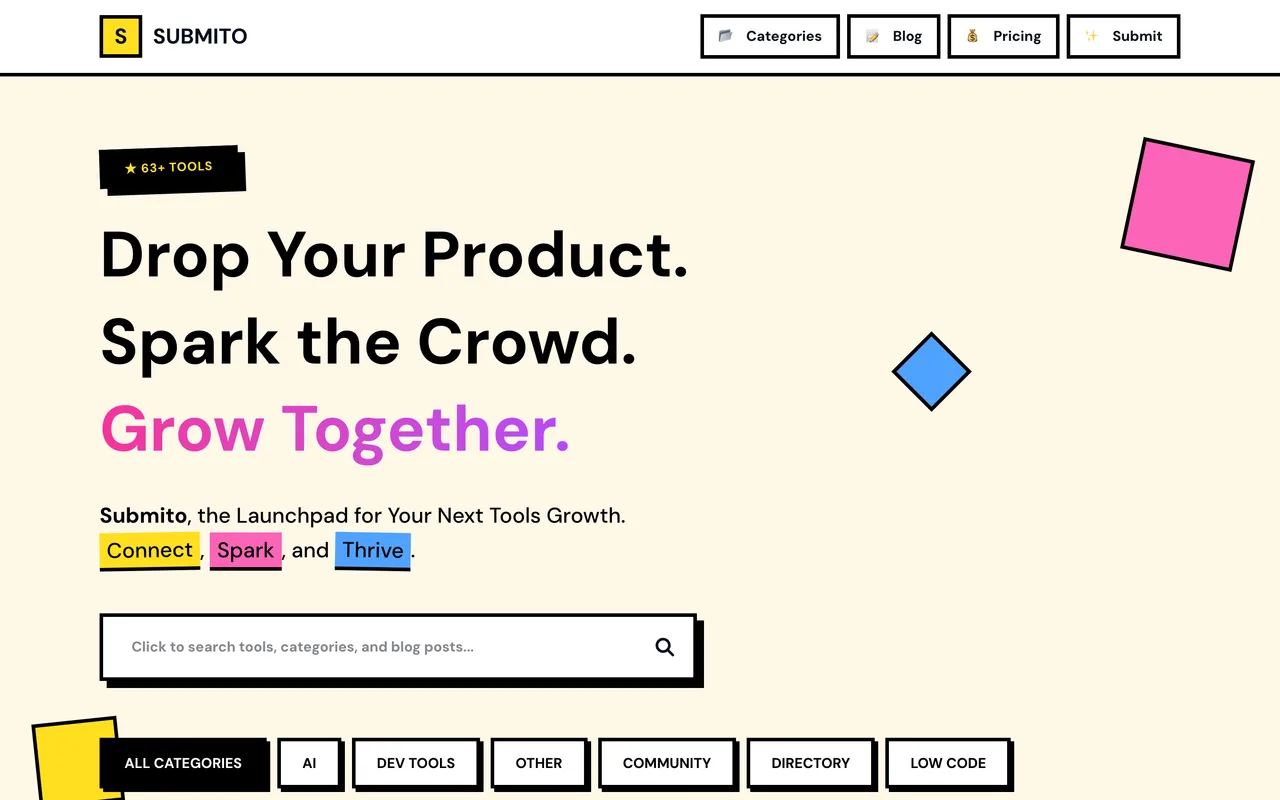
submito.net
Eligibility
Who Submito accepts
You need
Their badge on a page of the domain you submitted
A name, a URL, a category and a description
An email, which is how they tell you the result
You'll be rejected if
Anyone who will not carry the badge and will not pay the $19.90
SaaS productsAI toolsDeveloper toolsIndie products
What you actually get
A listing in one of seven categories on a small index that showed 63 tools when this was written. They quote 3 to 7 days to verify the badge and review.
How to submit to Submito
- Tool infoName, URL and one of seven categories. No account is needed at any point.
- DetailsA two or three sentence description and the email they will write to.
- Badge and URLCopy the light or dark badge, put it up, and paste the URL of the page carrying it. They check it is on the same domain you submitted.
Submito requirements
Their badge
light or dark SVG
Badge page URL
must be on the submitted domain
Description
two or three sentences
Gotchas
The badge check is domain-scoped: they verify the page you name is on the same domain you submitted, so a badge on a blog or a separate links site will not do.
There is no account and nothing is saved between steps, so a failed submit means filling all three again.
The paid lane opens Stripe as soon as you submit, and their own FAQ says a cancelled payment restores the form, which is worth knowing before clicking the wrong tier.
Let your agent submit to Submito
Connect SubmitMap to your AI over MCP and this page stops being something you read and copy. Your agent asks for the Submito playbook and gets the brief for this exact form, with the values already taken from your submission pack instead of placeholders you fill in by hand.
What it does for this platform
Checks your product against the 4 Submito rules above, so you find out you would be rejected before you open a tab.
Hands your agent all 3 fields this form asks for, none of them optional, already filled from your pack.
Warns you that Submito looks for its badge on your site, so it has to be live before you submit rather than after.
Tells you what paying buys here, so you pick it on purpose: free is the Link Exchange: their badge on your site, verified against the domain you submitted. Paid Submit is $19.90 one-time for a 24 to 48 hour review with no backlink, and Bulk is $299 for frequent submitters.
Types it into Submito in your own browser, and stops for you when the form wants a sign-in.
Records what it sent, so the dashboard can answer "did I ever submit to Submito?".
Connect your agentHow this worksTools and endpointsWorks with Claude Code, Claude, Codex, Cursor, VS Code and Hermes.
Submito FAQ
How long does Submito approval take?
Submito's typical time from submission to going live is 3-5 days.
How much does it cost to submit to Submito?
Submito has a free submission option plus paid placement (Free is the Link Exchange: their badge on your site, verified against the domain you submitted. Paid Submit is $19.90 one-time for a 24 to 48 hour review with no backlink, and Bulk is $299 for frequent submitters.).
Does Submito give a dofollow backlink?
Yes, a listing on Submito carries a dofollow link. The site has a domain rating of 48.
Does Submito require a backlink to your site?
Yes, Submito expects a link back from your site as part of listing.
What gets you rejected from Submito?
Anyone who will not carry the badge and will not pay the $19.90.