
dev-tools · marketplace
Chrome Web Store: requirements, how to submit, and what you actually get
Distribution for extensions, with a review process that reads your permissions closely.
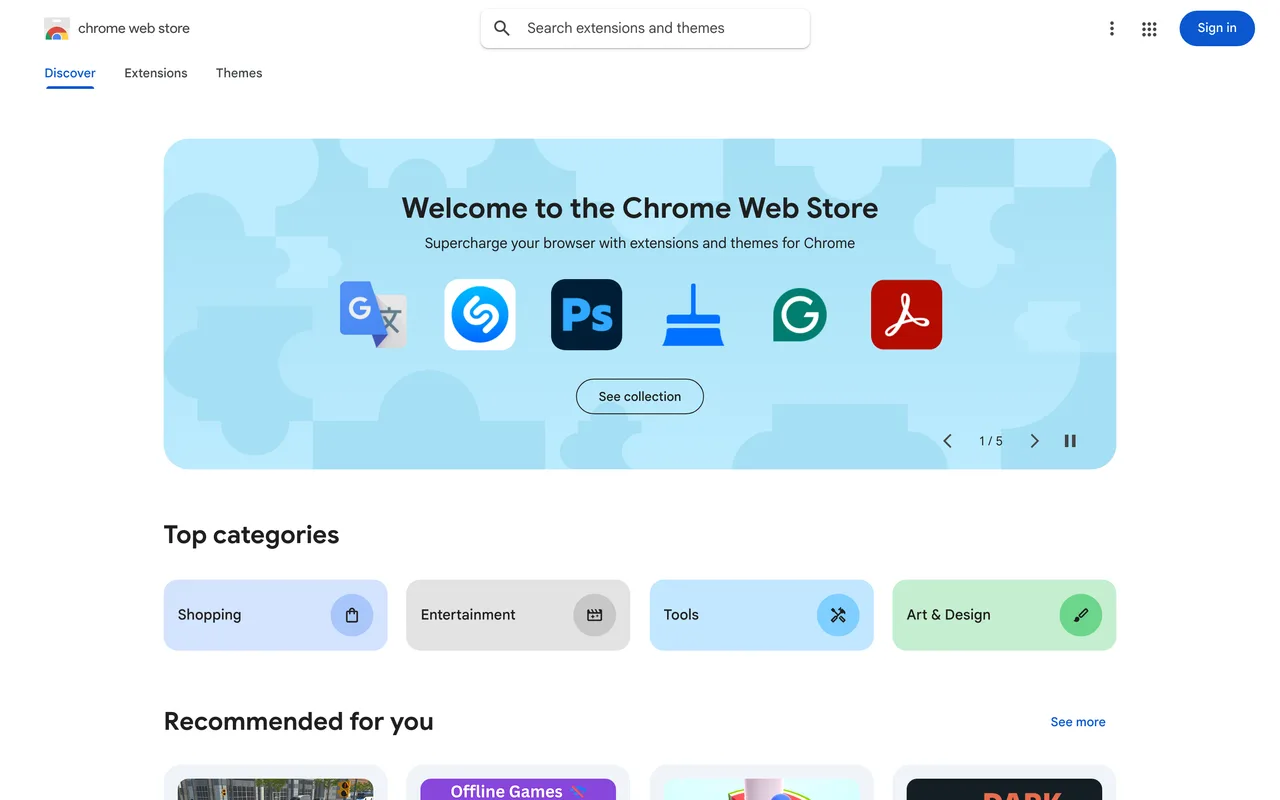
chromewebstore.google.com
Eligibility
Who Chrome Web Store accepts
You need
A packaged Chrome extension
A Google account and the one-time $5 developer registration
A privacy policy if you touch user data
You'll be rejected if
Anything that is not a browser extension
Browser extensionsChrome extensions
What you actually get
Distribution for a browser extension to everyone using Chrome, from a DR 99 domain. It is a store listing with a real review process, not a directory entry.
How to submit to Chrome Web Store
- Register as a developerA one-time $5 fee on the Chrome Web Store developer console, paid once per account rather than per extension.
- Upload the packaged extensionA zip of the extension, with the manifest, icons and screenshots. The listing copy is part of the upload, not a separate form.
- Declare permissions and privacyEvery permission has to be justified, and anything touching user data needs a privacy policy. This is what the review actually scrutinises.
- Wait out reviewReview takes anywhere from hours to a couple of weeks, and permission-heavy extensions take the longest.
Chrome Web Store requirements
A packaged Chrome extension
A Google account
The one-time $5 developer fee
Icons and screenshots
128x128 icon, 1 to 5 shots at 1280x800 or 640x400
A justification for every permission
A privacy policy
Gotchas
This is a developer console and a store review, not a directory listing, so most of the work is packaging and permissions rather than copy.
The $5 is a one-time developer registration for the account, not a fee per extension.
Broad permissions are the usual reason a review drags on. Ask for the narrowest set that works.
Let your agent submit to Chrome Web Store
Connect SubmitMap to your AI over MCP and this page stops being something you read and copy. Your agent asks for the Chrome Web Store playbook and gets the brief for this exact form, with the values already taken from your submission pack instead of placeholders you fill in by hand.
What it does for this platform
Checks your product against the 4 Chrome Web Store rules above, so you find out you would be rejected before you open a tab.
Hands your agent all 6 fields this form asks for, none of them optional, already filled from your pack.
Tells you what paying buys here, so you pick it on purpose: $5 one-time developer registration fee.
Types it into Chrome Web Store in your own browser, and stops for you when the form wants a sign-in.
Records what it sent, so the dashboard can answer "did I ever submit to Chrome Web Store?".
Connect your agentHow this worksTools and endpointsWorks with Claude Code, Claude, Codex, Cursor, VS Code and Hermes.
Chrome Web Store FAQ
How long does Chrome Web Store approval take?
Chrome Web Store's typical time from submission to going live is 1-2 weeks.
How much does it cost to submit to Chrome Web Store?
Submitting to Chrome Web Store is paid ($5 one-time developer registration fee).
Does Chrome Web Store give a dofollow backlink?
No, links from Chrome Web Store are nofollow. The site has a domain rating of 99.
Does Chrome Web Store require a backlink to your site?
No, Chrome Web Store does not require a link back from your site.
What gets you rejected from Chrome Web Store?
Anything that is not a browser extension.