
marketing · saas
First 100 Users: requirements, how to submit, and what you actually get
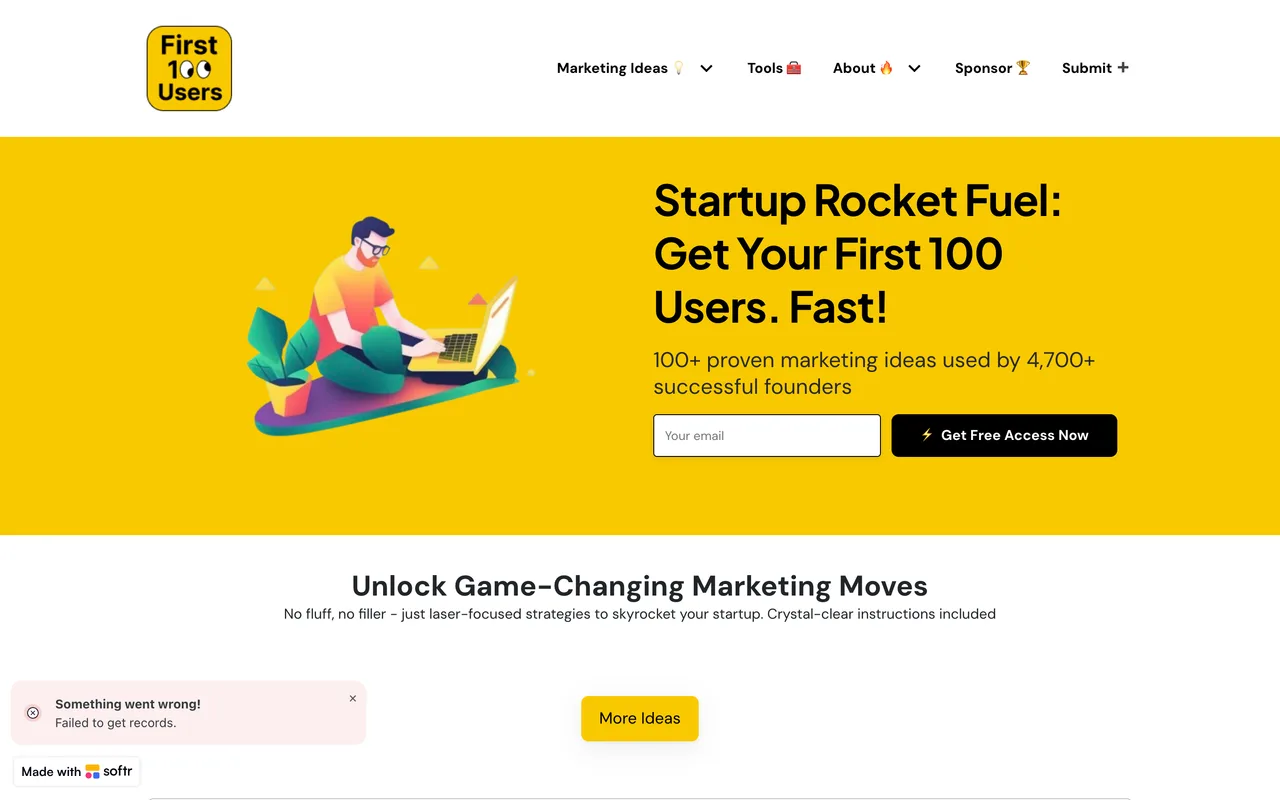
A marketing-ideas site with a tools directory that currently renders template placeholders and a submit form that errors.
first100users.com
Eligibility
Who First 100 Users accepts
You need
A live marketing tool
An email address, which is added to their list as a condition of submitting
You'll be rejected if
Anything that is not a marketing tool for founders
Marketing toolsSaaS tools
What you actually get
Nominally a card in a curated directory of marketing tools for SaaS founders, alongside a well-read library of marketing playbooks. In practice the Airtable behind the site is failing: the tools page renders placeholder cards rather than listings and the home page raises its own "failed to get records" error, so there is nothing to appear in even if a submission were accepted.
How to submit to First 100 Users
- Open the form/submit is a free six-field form: first name, email, tool name, tool URL, tool description and a category. No account and no captcha.
- Accept the mailing listA line above the fields states that submitting adds you to their free list. There is no checkbox to decline it, so it is a condition of submitting rather than an option.
- Pick a category from the dropdownCategory is a searchable dropdown offering Outbound, Email, Other, Analytics, Marketing and more. It has to be opened and clicked; the underlying input is invisible.
- Press Submit and read the toastThe button posts to their Airtable datasource. On the walk it answered with a red "Something went wrong. Please contact us" toast and the submission did not land.
First 100 Users requirements
First name and an email address
Tool name and URL
A short description
One category from their dropdown
Gotchas
The submission failed on the walk: pressing Submit fires a real request to their Airtable backend and returns a red "Something went wrong. Please contact us" toast, with no way to tell whether anything was stored.
The same backend is failing elsewhere on the site. The home page raises its own "Something went wrong! Failed to get records" toast, and the tools directory renders nine identical placeholder cards reading "Heading3" and "Single line short text" instead of real listings.
Submitting subscribes you to their mailing list whether you want it or not: the page says so above the fields and offers no checkbox to decline, only an unsubscribe afterwards.
Let your agent submit to First 100 Users
Connect SubmitMap to your AI over MCP and this page stops being something you read and copy. Your agent asks for the First 100 Users playbook and gets the brief for this exact form, with the values already taken from your submission pack instead of placeholders you fill in by hand.
What it does for this platform
Checks your product against the 3 First 100 Users rules above, so you find out you would be rejected before you open a tab.
Hands your agent all 4 fields this form asks for, none of them optional, already filled from your pack.
Types it into First 100 Users in your own browser, and stops for you when the form wants a sign-in.
Records what it sent, so the dashboard can answer "did I ever submit to First 100 Users?".
Connect your agentHow this worksTools and endpointsWorks with Claude Code, Claude, Codex, Cursor, VS Code and Hermes.
First 100 Users FAQ
How long does First 100 Users approval take?
First 100 Users does not publish how long approval takes.
How much does it cost to submit to First 100 Users?
Submitting to First 100 Users is free.
Does First 100 Users give a dofollow backlink?
No, links from First 100 Users are nofollow. The site has a domain rating of 24.
Does First 100 Users require a backlink to your site?
No, First 100 Users does not require a link back from your site.
What gets you rejected from First 100 Users?
Anything that is not a marketing tool for founders.