
saas · marketing
RelevantSaaS: requirements, how to submit, and what you actually get
An editorially reviewed SaaS list you apply to by email form, with a nofollow at the end of it
relevantsaas.com
Eligibility
Who RelevantSaaS accepts
You need
A live URL
A name and a business email they can reply to
A product that fits one of five categories: email marketing, SEO, SMM, CRO or other
You'll be rejected if
Anything their editors decide is not a fit, which is the whole rule and is not published anywhere
Marketing toolsSaaS tools
What you actually get
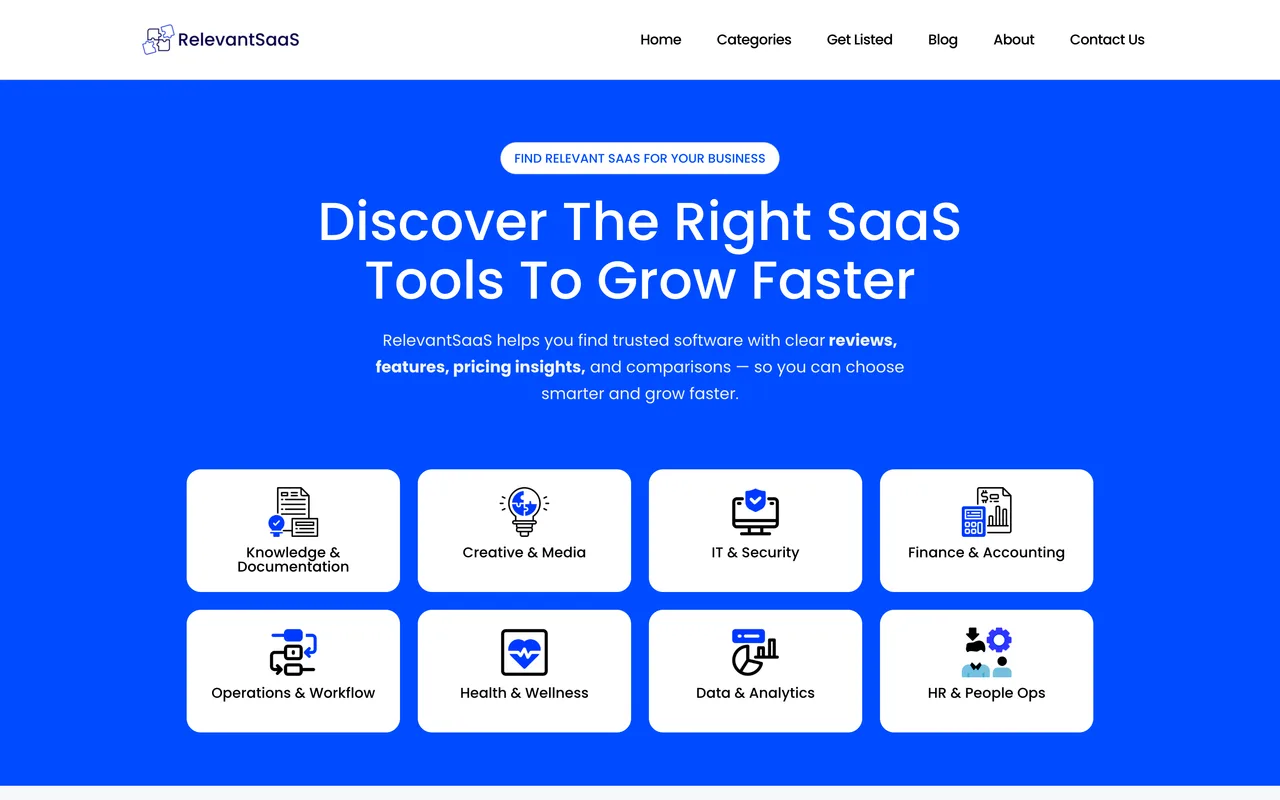
If they take it, a review card rather than a directory row: four scores out of ten for experience, ease of use, pricing and support, a star rating, a starting price, a short editorial line and a Check it out button carrying rel="nofollow noopener". The catalogue behind that format is thin, and it leans on a handful of vendors: seven of the nine outbound links on the homepage go to seranking.com, with semrush and surferseo taking one each. Nothing on the site publishes a review time, and the form says they get back to you only if you are eligible, so silence is the likely answer and it is indistinguishable from being ignored.
How to submit to RelevantSaaS
- Open Get ListedThe nav item is Get Listed and the page is /submit-your-tool/. There is no account anywhere on the site and nothing to sign in to.
- Fill the applicationName, business email, WhatsApp number, company or product name, website URL, one of five product categories, a product description, key features and a pricing answer. Only the name and the email are actually required.
- Submit and wait without a receiptThe page answers Your submission was successful in place. No email arrives, no reference is shown, and the page above the form says they will get back to you only if your product is eligible.
RelevantSaaS requirements
Your name
Business email
WhatsApp numberoptional
Company or product name
Website URL
Product category
one of five
Product description
Key features
Pricing
free, freemium, paid or custom
Gotchas
The form asks for a WhatsApp number. It is not required and the submission goes through with it empty, but nothing on the page says so, and it is the only field here that wants a personal phone number.
There is no receipt and no stated review time. The success message is rendered in place, no email follows, no reference id exists, and the page says they reply only if you are eligible, so a rejection and being ignored look identical.
Key features is a free-text box with no example and no counter, and the published cards do not show a feature list at all: what they render is four scores out of ten that you have no input into.
Let your agent submit to RelevantSaaS
Connect SubmitMap to your AI over MCP and this page stops being something you read and copy. Your agent asks for the RelevantSaaS playbook and gets the brief for this exact form, with the values already taken from your submission pack instead of placeholders you fill in by hand.
What it does for this platform
Checks your product against the 4 RelevantSaaS rules above, so you find out you would be rejected before you open a tab.
Hands your agent all 9 fields this form asks for, 1 of them optional, already filled from your pack.
Types it into RelevantSaaS in your own browser, and stops for you when the form wants a sign-in.
Records what it sent, so the dashboard can answer "did I ever submit to RelevantSaaS?".
Connect your agentHow this worksTools and endpointsWorks with Claude Code, Claude, Codex, Cursor, VS Code and Hermes.
RelevantSaaS FAQ
How long does RelevantSaaS approval take?
RelevantSaaS does not publish how long approval takes.
How much does it cost to submit to RelevantSaaS?
Submitting to RelevantSaaS is free.
Does RelevantSaaS give a dofollow backlink?
No, links from RelevantSaaS are nofollow.
Does RelevantSaaS require a backlink to your site?
No, RelevantSaaS does not require a link back from your site.
What gets you rejected from RelevantSaaS?
Anything their editors decide is not a fit, which is the whole rule and is not published anywhere.