
saas · ai · no-code
MicroLaunch: requirements, how to submit, and what you actually get
Daily launches for small products, with far less competition than the big boards.
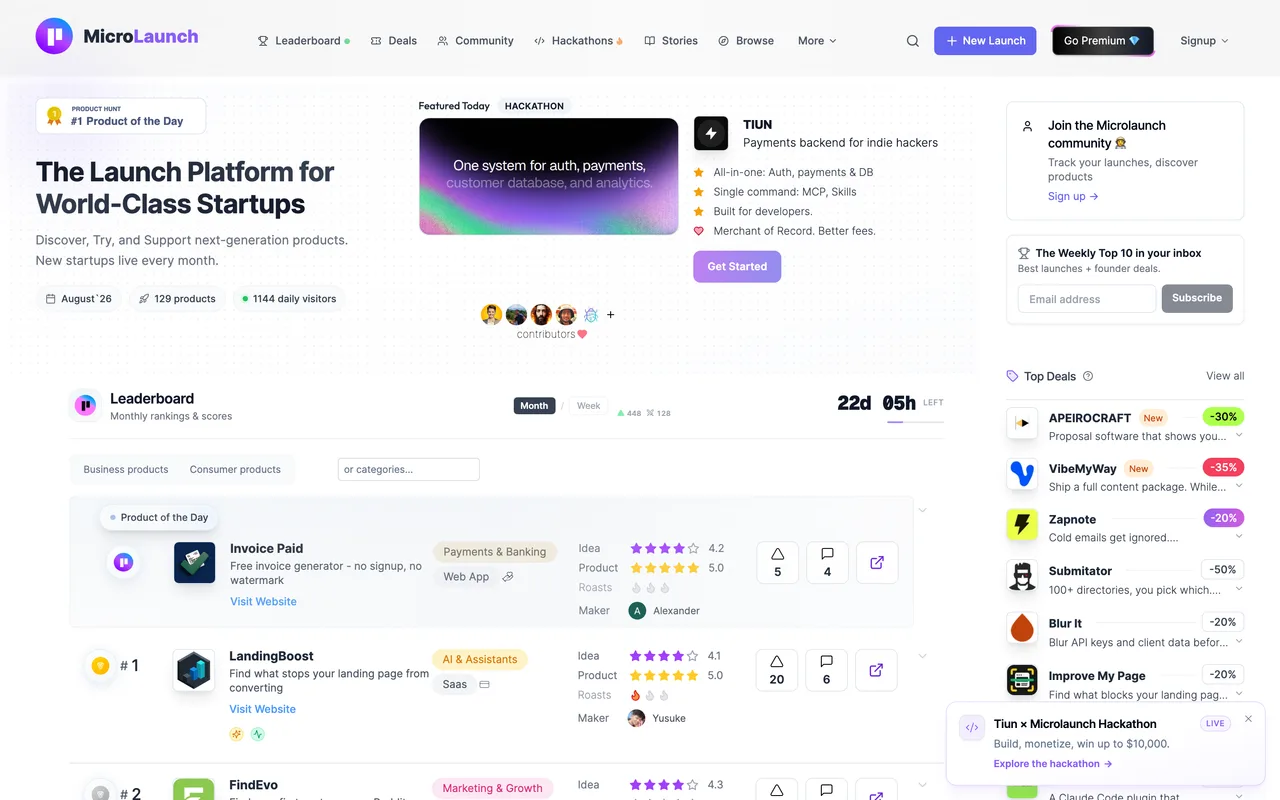
microlaunch.net
Eligibility
Who MicroLaunch accepts
You need
Payment: no free submission route is visible to a logged-out visitor
You'll be rejected if
Products with no live URL
SaaS productsAI toolsStartupsIndie products
What you actually get
Thirty days of exposure rather than one launch day, plus a DR 60+ dofollow backlink, a marketplace spot where you can publish a deal, and SEO pages. Confirmed paid-only from inside an account: their launch modal offers a single option and it is the paid one.
How to submit to MicroLaunch
- Create an accountRegistration is at /signup. There is no way to see the launch flow without one.
- Open New LaunchThe nav carries a New Launch control, also bound to Cmd+S. /submit redirects to /premium#pricing whether or not you are signed in.
- Meet the one optionA "Pick your Launch" modal appears offering exactly one lane: Pro Launch. There is no free tier beside it.
- What the fee buysSkipping the queue and going live now or scheduling, 30 days of exposure, featured placement, a deal published on their marketplace with a top spot, a DR 60+ dofollow backlink, SEO pages, guest posts and a 48 hour boost.
MicroLaunch requirements
Payment ($39)
An account
Live product URL
Product copy and images
Gotchas
Their /submit URL redirects to /premium#pricing whether you are signed in or not, so there is no form to find by guessing paths. Every obvious route (/launch/new, /product/new, /dashboard, /account) returns 404.
The New Launch control in the nav opens the paid modal, not a form. Cmd+S is bound to the same thing.
The wording "Skip the queue" implies a free queue exists somewhere, but nothing in the signed-in flow offers one.
Pro Launch is capped at 40 spots a month, so the date you want may not be available.
Let your agent submit to MicroLaunch
Connect SubmitMap to your AI over MCP and this page stops being something you read and copy. Your agent asks for the MicroLaunch playbook and gets the brief for this exact form, with the values already taken from your submission pack instead of placeholders you fill in by hand.
What it does for this platform
Checks your product against the 2 MicroLaunch rules above, so you find out you would be rejected before you open a tab.
Hands your agent all 4 fields this form asks for, none of them optional, already filled from your pack.
Tells you what paying buys here, so you pick it on purpose: $39 with code LAUNCH20 (list $49); 50% off for open source and students.
Types it into MicroLaunch in your own browser, and stops for you when the form wants a sign-in.
Records what it sent, so the dashboard can answer "did I ever submit to MicroLaunch?".
Connect your agentHow this worksTools and endpointsWorks with Claude Code, Claude, Codex, Cursor, VS Code and Hermes.
MicroLaunch FAQ
How long does MicroLaunch approval take?
MicroLaunch's typical time from submission to going live is same day.
How much does it cost to submit to MicroLaunch?
Submitting to MicroLaunch is paid ($39 with code LAUNCH20 (list $49); 50% off for open source and students).
Does MicroLaunch give a dofollow backlink?
Yes, a listing on MicroLaunch carries a dofollow link. The site has a domain rating of 62.
Does MicroLaunch require a backlink to your site?
No, MicroLaunch does not require a link back from your site.
What gets you rejected from MicroLaunch?
Products with no live URL.