
dev-tools · design · saas
Peerlist: requirements, how to submit, and what you actually get
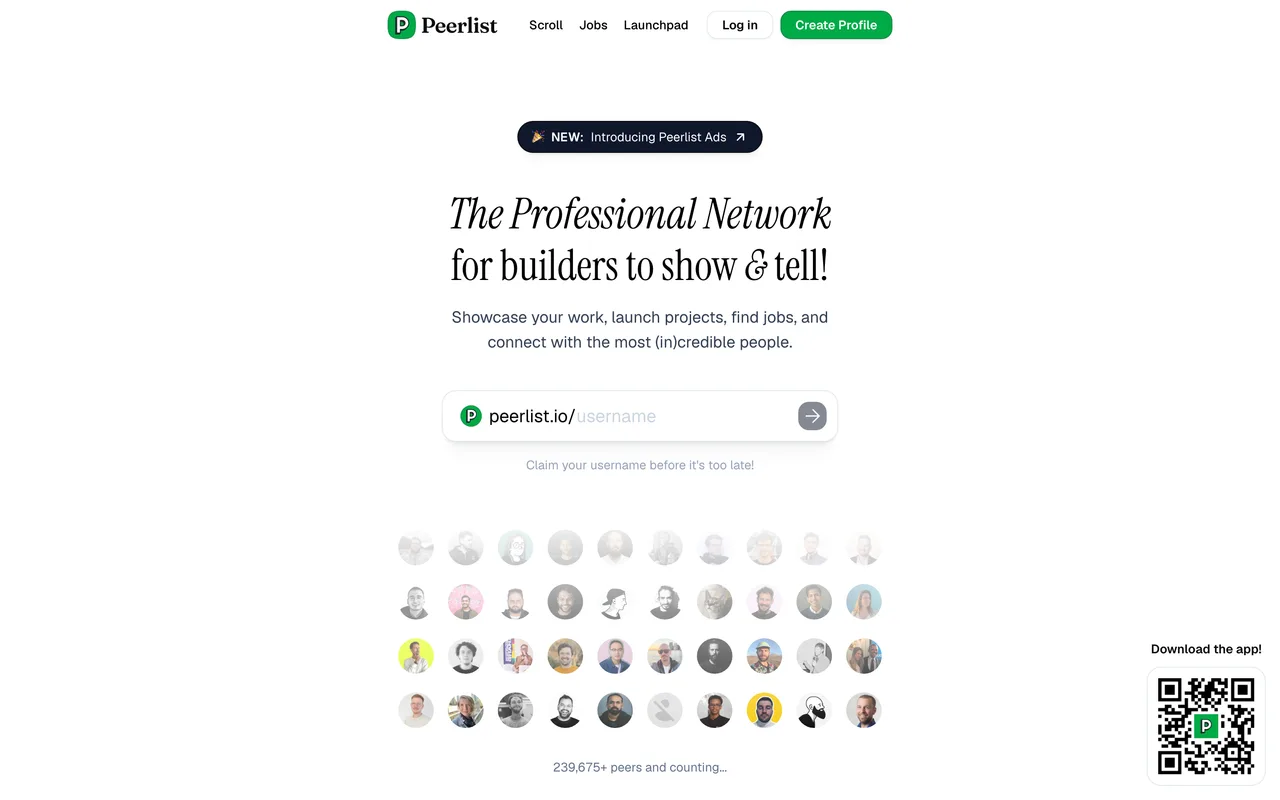
A professional network for builders with a weekly project spotlight.
peerlist.io
Eligibility
Who Peerlist accepts
You need
An account, then a completed profile, then a VERIFIED profile
Verification by government-issued ID or workplace
A live project to show
You'll be rejected if
Anyone unwilling to verify their identity with Peerlist, since the Launchpad is gated on it
Web appsDeveloper toolsDesign workSaaS productsIndie products
What you actually get
A free weekly launch in front of developers and designers, but only once your profile is verified with a government ID or a workplace check. Peerlist skews to people building careers rather than buying tools, so it is better for credibility and reach among peers than for sales.
How to submit to Peerlist
- Create the accountEmail and password, or Continue with Google, at /login.
- Complete the profileClicking Launch opens a "Welcome to Peerlist" modal first: first name, last name, a 120-character bio and a username. A LinkedIn autofill option is pre-ticked.
- Get verifiedClicking Launch again opens "Get verified to Launch". Verification is by government-issued ID or by verifying your current workplace, and it also unlocks Inbox, Articles, post scheduling and a custom domain.
- Then launch into a weekLaunches run in weekly cycles addressed as /launchpad/YYYY/week/NN, with upvotes, ratings and comment counts on each entry.
Peerlist requirements
An account
A completed profile with first name, last name, bio and username
bio, 120 characters
A VERIFIED profile: government ID or workplace verification
A live project URL
Gotchas
The Launchpad is gated on identity verification, not just an account. Clicking Launch gives you "Get verified to Launch", and verification means a government-issued ID or a workplace check. No agent can or should do that step.
There are three gates in sequence and each only appears after you clear the last: sign in, complete the profile, then verify. Nothing warns you about the next one.
The profile modal pre-ticks "Autofill from LinkedIn & save time", which would import personal details. Untick it if you do not want that.
It is a professional network, so the launch hangs off a real profile with your name and bio on it. Whatever identity you sign up with becomes the public face of the launch.
Everything is bot-protected and returns 403 to non-browser requests, so an HTTP probe makes the site look dead when it is not.
Let your agent submit to Peerlist
Connect SubmitMap to your AI over MCP and this page stops being something you read and copy. Your agent asks for the Peerlist playbook and gets the brief for this exact form, with the values already taken from your submission pack instead of placeholders you fill in by hand.
What it does for this platform
Checks your product against the 4 Peerlist rules above, so you find out you would be rejected before you open a tab.
Hands your agent all 4 fields this form asks for, none of them optional, already filled from your pack.
Types it into Peerlist in your own browser, and stops for you when the form wants a sign-in.
Records what it sent, so the dashboard can answer "did I ever submit to Peerlist?".
Connect your agentHow this worksTools and endpointsWorks with Claude Code, Claude, Codex, Cursor, VS Code and Hermes.
Peerlist FAQ
How long does Peerlist approval take?
Peerlist's typical time from submission to going live is about a week.
How much does it cost to submit to Peerlist?
Submitting to Peerlist is free.
Does Peerlist give a dofollow backlink?
Yes, a listing on Peerlist carries a dofollow link. The site has a domain rating of 77.
Does Peerlist require a backlink to your site?
No, Peerlist does not require a link back from your site.
What gets you rejected from Peerlist?
Anyone unwilling to verify their identity with Peerlist, since the Launchpad is gated on it.