
ai · saas
OkeiAI: requirements, how to submit, and what you actually get
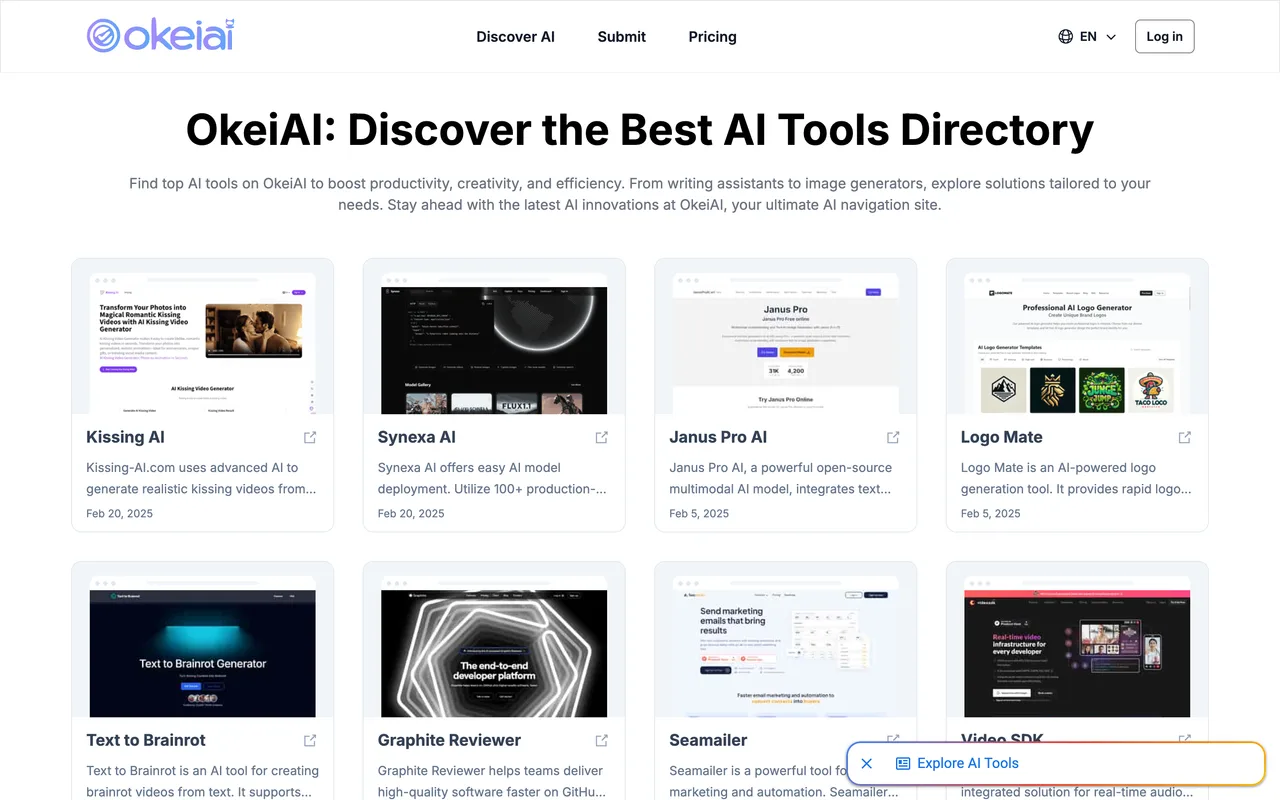
A three-field AI tools directory whose free lane costs a permanent text link rather than an image badge.
okeiai.com
Eligibility
Who OkeiAI accepts
You need
Their text link on your homepage, kept there permanently
A product name and a live URL
You'll be rejected if
Anything that is not an AI tool, since the directory and every category on it are AI ones
Anyone who cannot keep a link on their own homepage, because the free tier is conditional on it staying there
AI toolsSaaS products
What you actually get
A listing on an AI tools directory, in principle. In practice the form did not post when walked on 2026-09-05: Submit fired no request, raised no error and left the page unchanged, so nothing is known about what a successful submission produces.
How to submit to OkeiAI
- Open the formOne page at /submit. No account is needed to fill it.
- Fill three fieldsWebsite name, website URL, and a submit type where Free is preselected.
- Add their linkThe free option shows the anchor to paste on your homepage. Submit is what sends it.
OkeiAI requirements
Their text link on your homepage
an anchor reading Okei AI Tools
Website name
Website URL
Gotchas
Their Submit button fires no network request at all and shows no error, so the form looks complete and does nothing. Their own Log in link goes to a page that does not exist, so there is no session to get first either.
What they want is a plain text anchor rather than an image badge, so a footer built to hold badge images has nowhere obvious to put it.
No review window is published anywhere in the flow, so there is nothing to check a wait against.
The form asks for a name and a URL and nothing else, so the listing copy is whatever they scrape rather than what you wrote.
Let your agent submit to OkeiAI
Connect SubmitMap to your AI over MCP and this page stops being something you read and copy. Your agent asks for the OkeiAI playbook and gets the brief for this exact form, with the values already taken from your submission pack instead of placeholders you fill in by hand.
What it does for this platform
Checks your product against the 4 OkeiAI rules above, so you find out you would be rejected before you open a tab.
Hands your agent all 3 fields this form asks for, none of them optional, already filled from your pack.
Warns you that OkeiAI looks for its badge on your site, so it has to be live before you submit rather than after.
Tells you what paying buys here, so you pick it on purpose: free is $0 and the price is their text link kept on your homepage for as long as the listing stands. A paid tier at $8 removes that requirement.
Types it into OkeiAI in your own browser, and stops for you when the form wants a sign-in.
Records what it sent, so the dashboard can answer "did I ever submit to OkeiAI?".
Connect your agentHow this worksTools and endpointsWorks with Claude Code, Claude, Codex, Cursor, VS Code and Hermes.
OkeiAI FAQ
How long does OkeiAI approval take?
OkeiAI does not publish how long approval takes.
How much does it cost to submit to OkeiAI?
OkeiAI has a free submission option plus paid placement (Free is $0 and the price is their text link kept on your homepage for as long as the listing stands. A paid tier at $8 removes that requirement.).
Does OkeiAI give a dofollow backlink?
Yes, a listing on OkeiAI carries a dofollow link. The site has a domain rating of 38.
Does OkeiAI require a backlink to your site?
Yes, OkeiAI expects a link back from your site as part of listing.
What gets you rejected from OkeiAI?
Anything that is not an AI tool, since the directory and every category on it are AI ones; Anyone who cannot keep a link on their own homepage, because the free tier is conditional on it staying there.